
 Integrations · PostGrid
Connect PostGrid and Mail Postcards From Inside FirstLeads
Direct mail is one of the most effective ways to reach a fire lead, a homeowner gets a postcard and calls you. Postcards run through PostGrid, and connecting your account takes a few minutes.
Quick Answer
If you don’t have fire runners or a dedicated outreach team yet, but you already handle inbound calls well, direct mail is a natural fit, and PostGrid is our team’s favorite mailer to connect, specifically because setup takes only a few minutes. You will need a PostGrid account and an active FirstLeads subscription.
Connecting PostGrid in three steps
Connect your PostGrid account
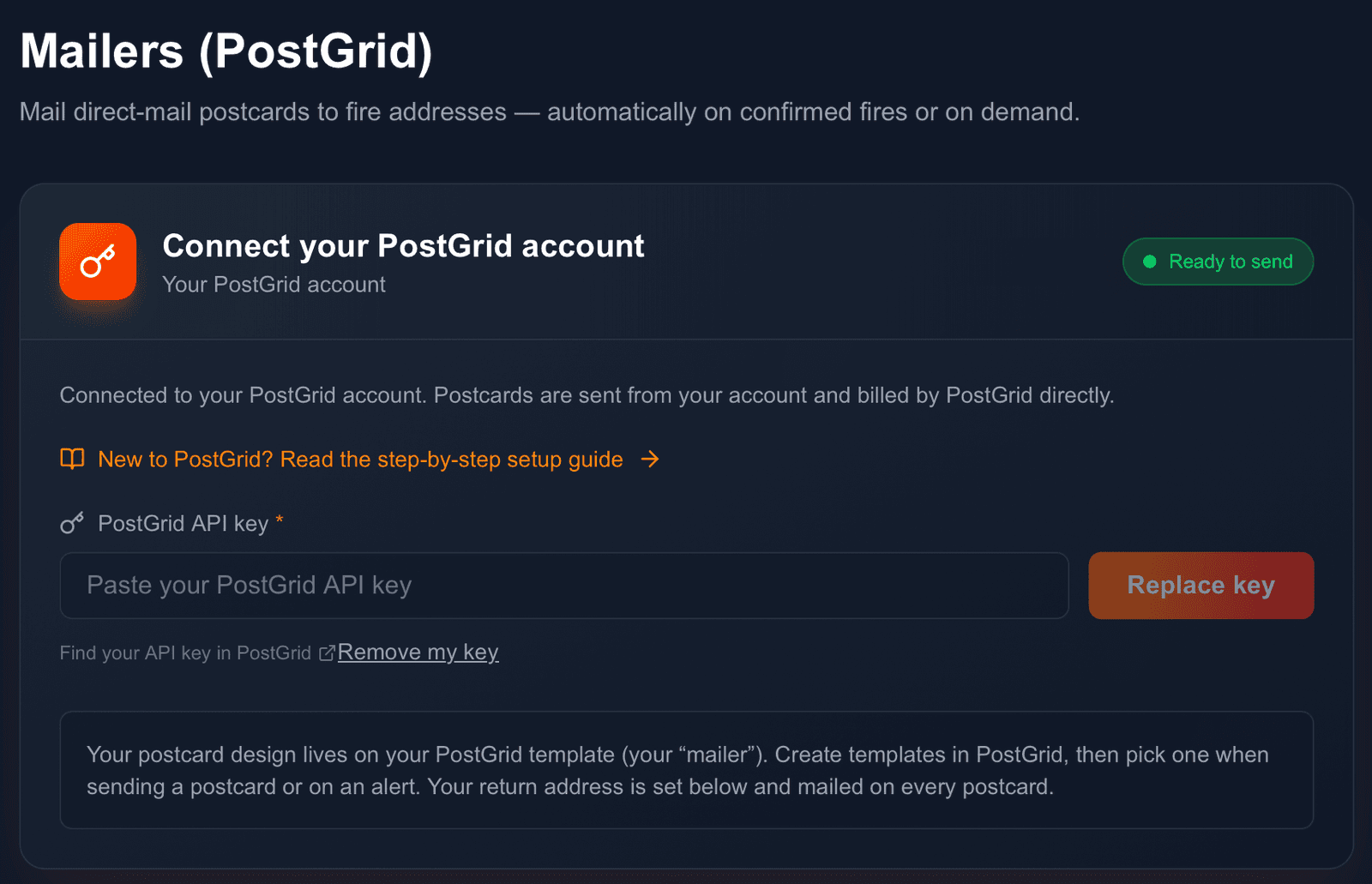
Go to Settings → Integrations → PostGrid and click Connect. Log into PostGrid, copy your test or live API key from the dashboard, paste it into FirstLeads, and save. Once connected you will see "Ready to send": postcards are sent from your account and billed by PostGrid directly. New to PostGrid? A step-by-step setup guide is linked right on this screen.
Set your return address
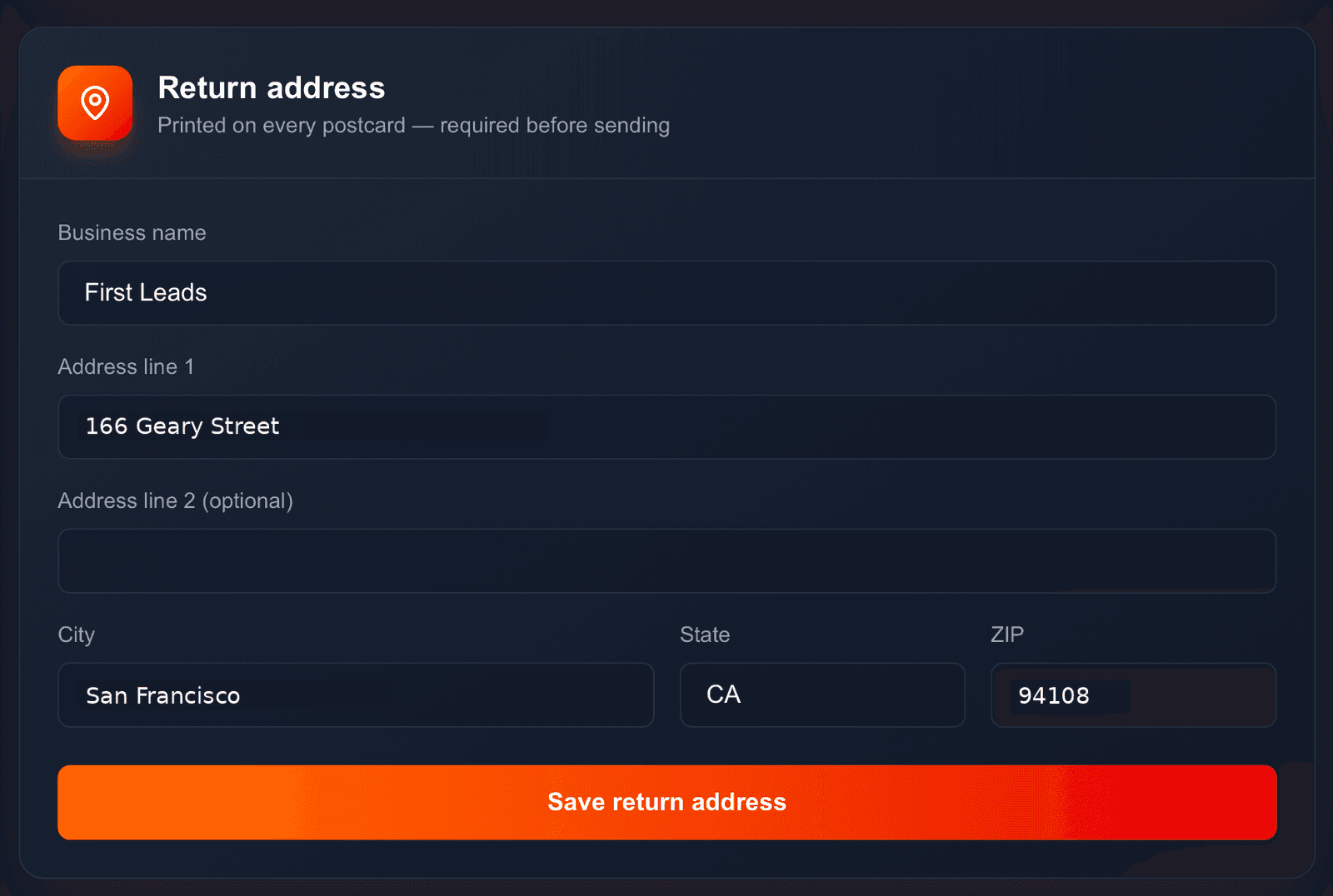
Every postcard needs a printed return address, so this is required before sending. Fill in your business name, address, city, state, and ZIP: the same address appears on every card, manual or automatic.
Set send limits (optional)
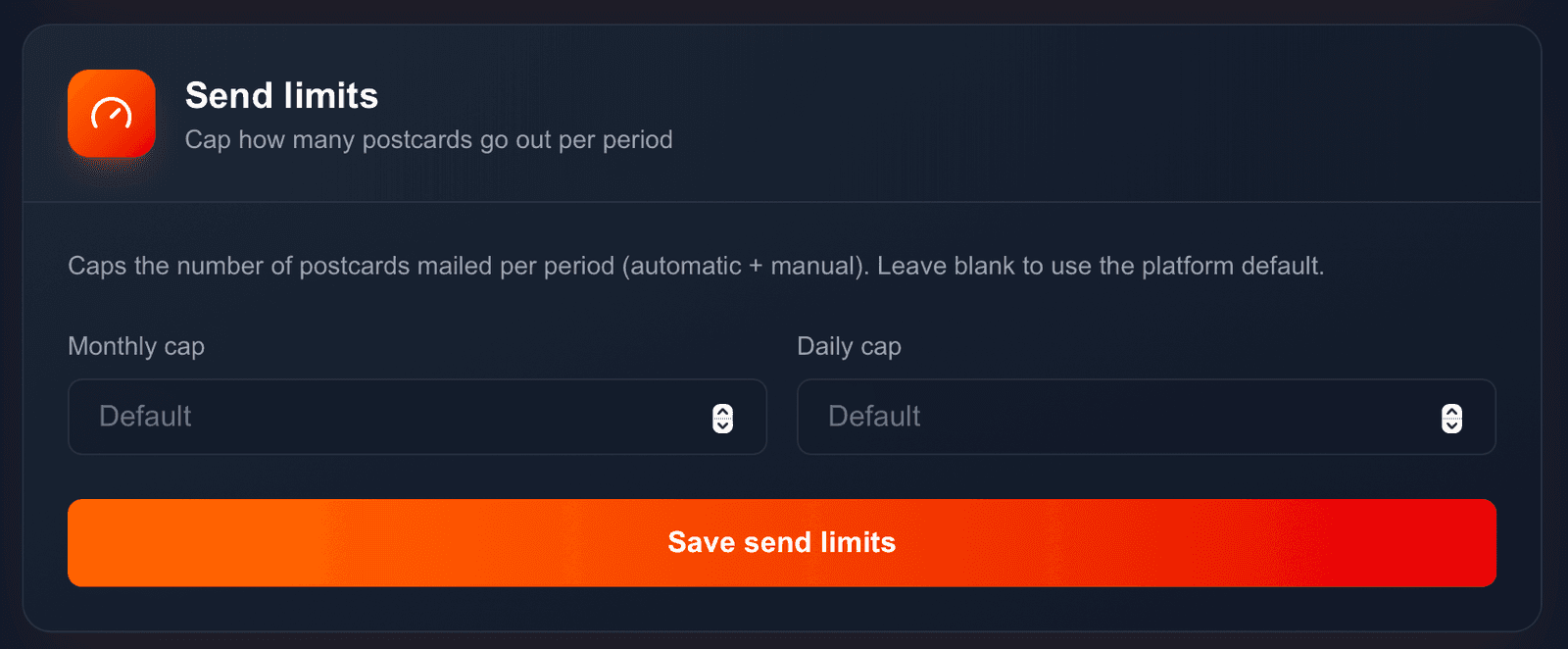
Cap how many postcards go out with a monthly and/or daily limit covering automatic and manual sends combined. Leave either blank to use the platform default.
Works with
Be first on scene. Every time.
Book a demo of FirstLeads and get real-time fire and water damage incident alerts for your territory. No contract, no setup fees.
Frequently Asked Questions
Keep exploring
- Sending postcards: templates, recipients, rentals
- PostGrid account setup guide
- The Send Postcard button on every lead
See every connection on the FirstLeads integrations page.