
Features · Custom Alerts
Set It and Forget It: Custom Fire Incident Alerts
Not every subscriber wants to watch the map all day, and you shouldn’t have to. Build a standing search for exactly the leads you want, and FirstLeads notifies you the moment a match comes in.
Quick Answer
You will find Alerts in the left-hand navigation. The main screen shows every alert you have built, a running count against your plan’s limit, and each alert’s events, channels, and quick edit controls. Tap Create New Alert to build one in four steps.
Building an alert in four steps
Name it and choose what triggers it
Watch for Lead Created (a new lead verified and added), Lead Updated (an existing lead gained damage details or verifications), or both: first notice only, or the full story as it develops.
Set your filter criteria
Pick a state, then one city or county per alert (run one alert per territory you work). Toggle property types on or off, then choose a Smart Filter tier: Confirmed only (highest confidence, lowest volume), Confirmed + High potential (adds the unconfirmed incidents that score high on dispatch size, escalation and activity), Confirmed + all Potential (recommended for most teams), or All incidents (highest volume, expect noise). Each broader tier includes everything in the stricter ones, you are choosing how wide to cast the net.
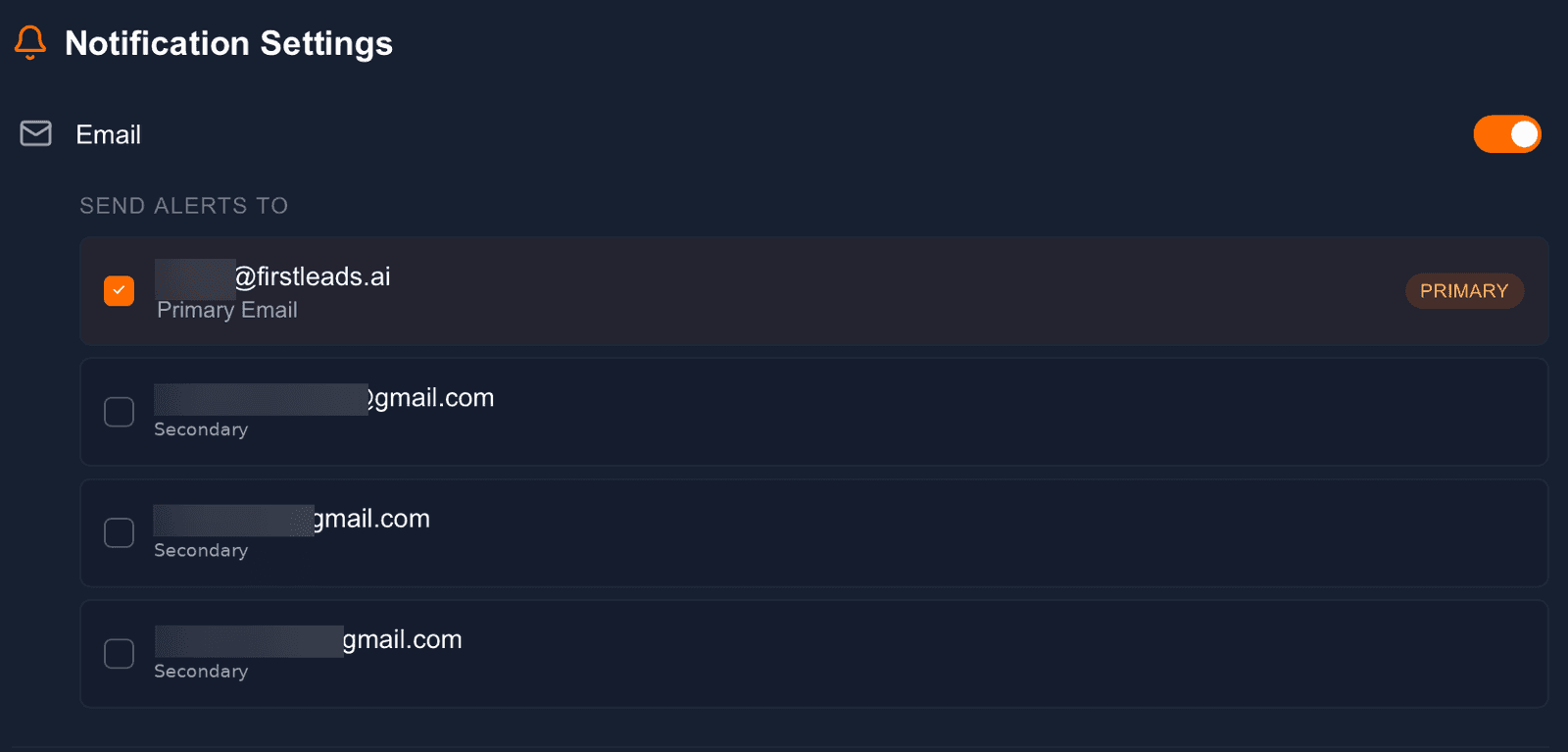
Choose how you’re notified
Toggle any combination of channels: email (to any verified address on your account), Slack (straight into a connected workspace), SMS (a text the moment a match comes in), and Google Sheets (log matching leads into a spreadsheet automatically).
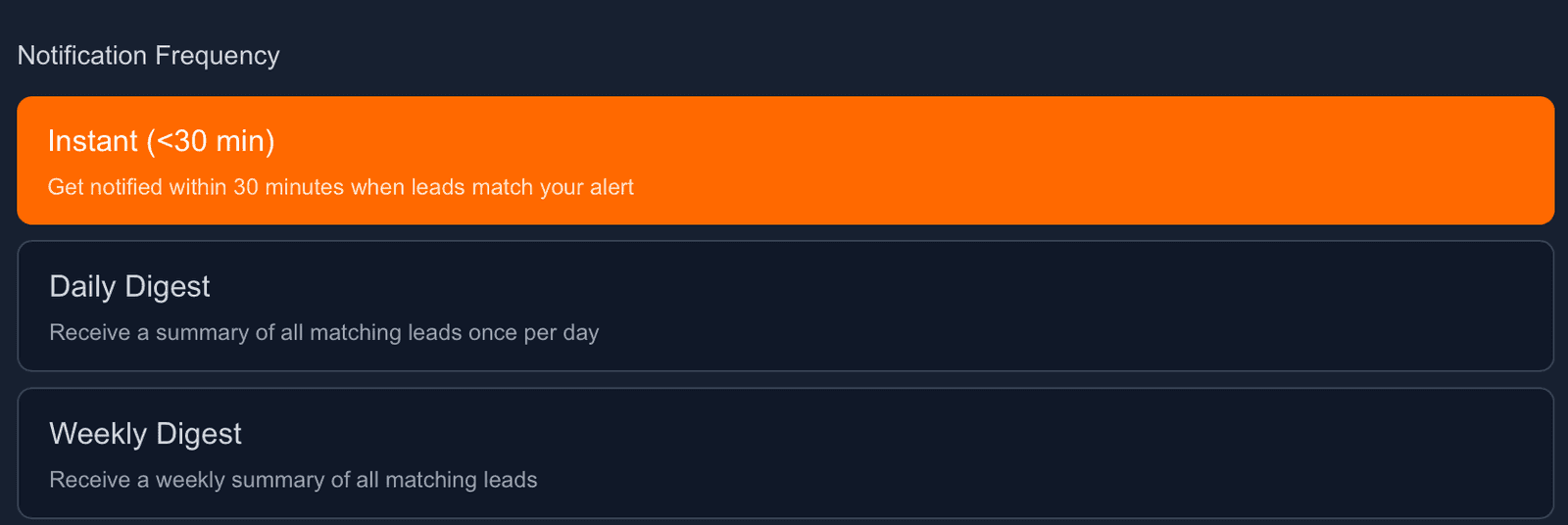
Set the pace
Instant (within 30 minutes of a match) for your hottest markets; Daily or Weekly Digest for territories you monitor passively. Once saved, the alert runs continuously in the background.
Never miss a fire in your territory again
Build your first alert in under two minutes and let FirstLeads watch the dispatch feeds for you, around the clock.
Frequently Asked Questions
Keep exploring
- Slack alerts with in-thread lead unlocking
- Email notifications setup
- SMS text alerts setup
- The same filters, as a one-off search
See everything the platform does on the FirstLeads features page.