
Features · People & Property Search
Beyond the Map: People & Property Search
Not every lead starts as a dot on the map. A neighbor mentions a fire down the street, a referral partner hands you an address: type it in and get everything on file for that property.
Quick Answer
You will find People & Property Search in the left-hand navigation, right below the Dashboard. Unlike the map, which surfaces incidents FirstLeads has already picked up, this tool starts from your address, from a referral, a drive-by, or plain curiosity, and gives you the same depth of owner, contact, and property information you would get from an unlocked incident.
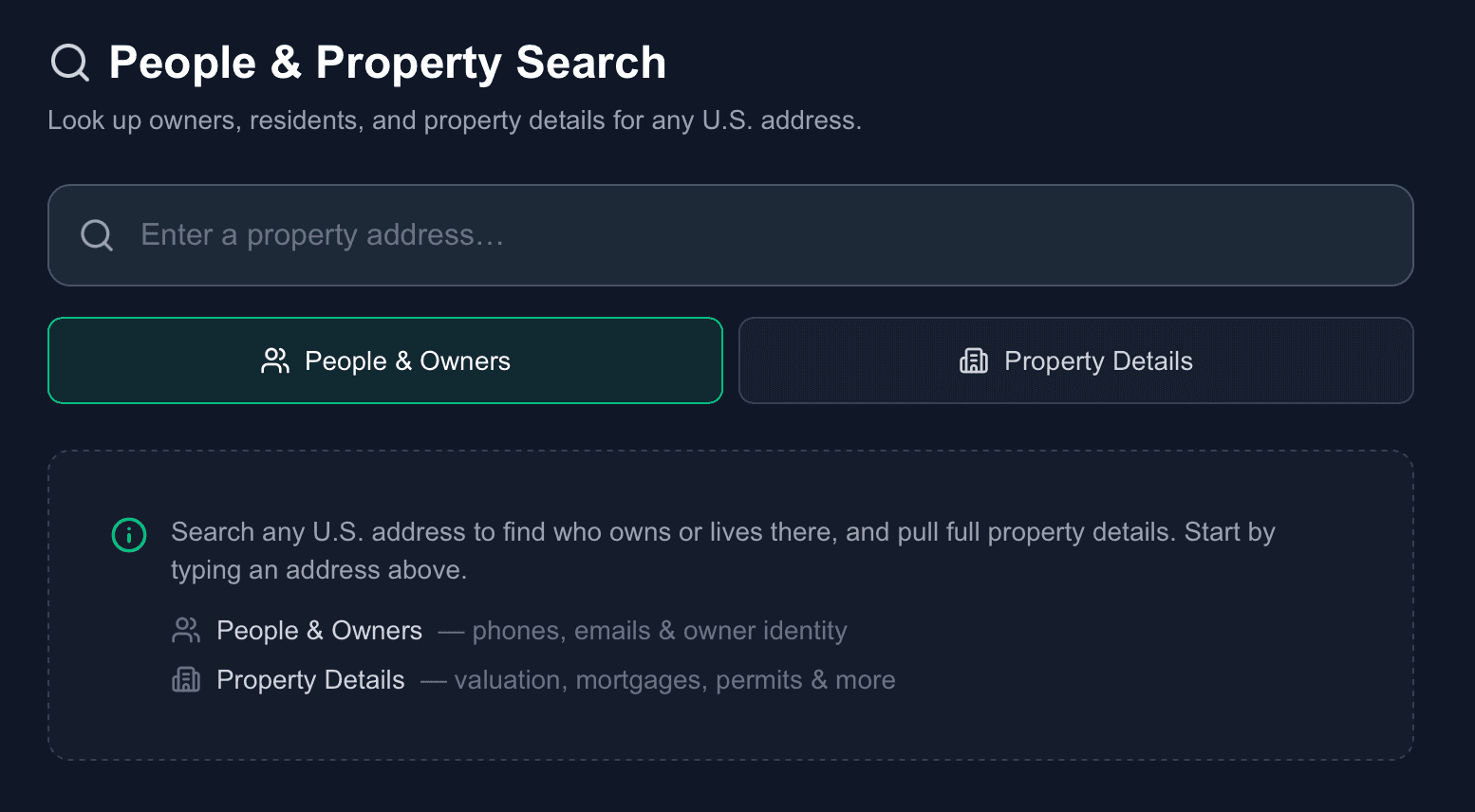
At the top is a single search bar for any U.S. address, with two toggles underneath: People & Owners for phones, emails, and owner identity; Property Details for valuation, mortgages, permits, and more. Flip between them for the same address with a single click.
Two searches, one address
Start with any U.S. address
Type the address once. The People & Owners and Property Details toggles reuse it, so you never re-enter anything.
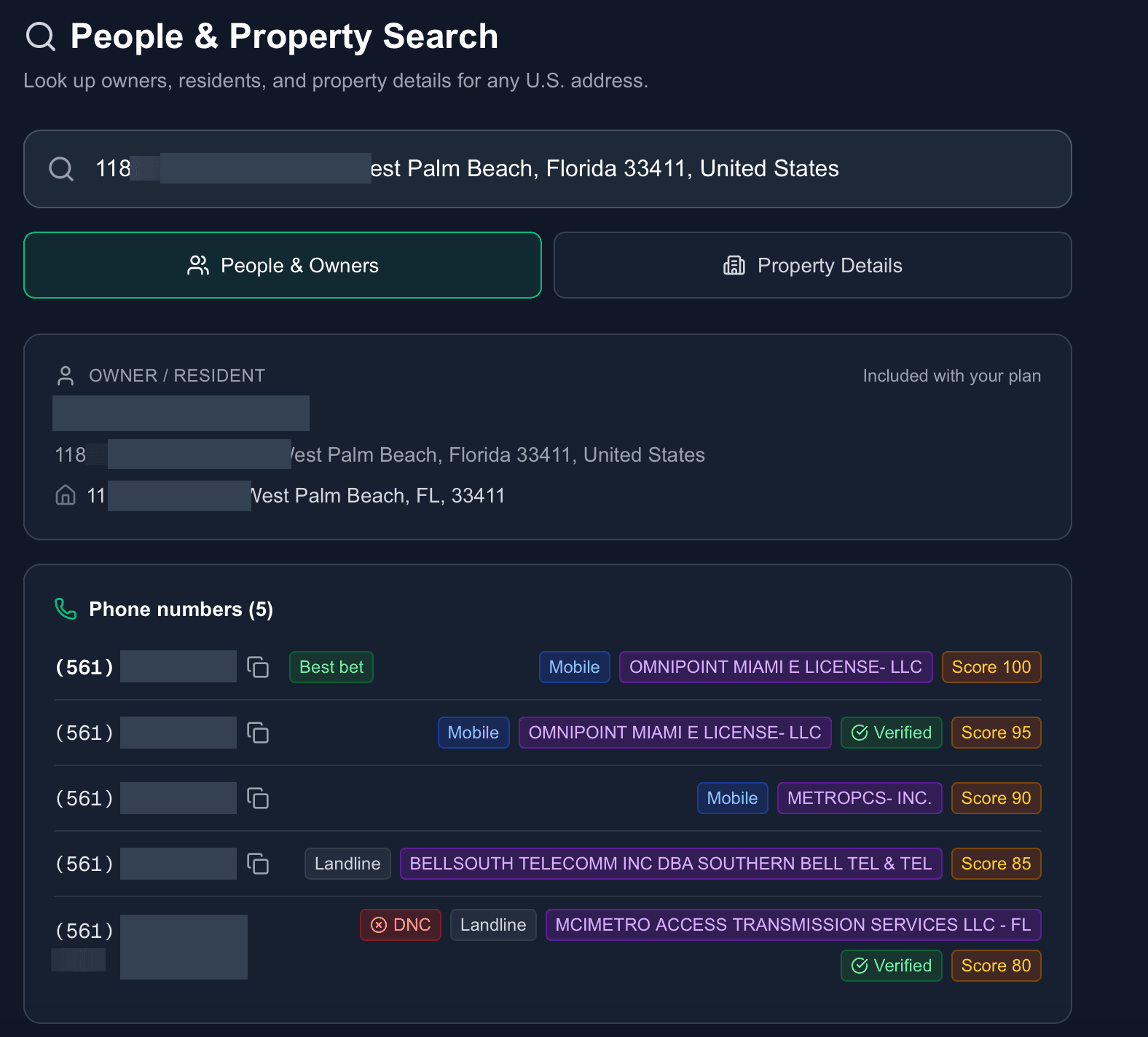
People & Owners: who is behind the address
The current owner or resident on file, both the searched address and the owner’s separate mailing address when it differs, and every phone number on record: tagged with line type, carrier, a reliability score, a Verified badge on recently-confirmed numbers, and a red DNC flag where applicable. The single best number is flagged "Best bet." Emails come with one-click copy.
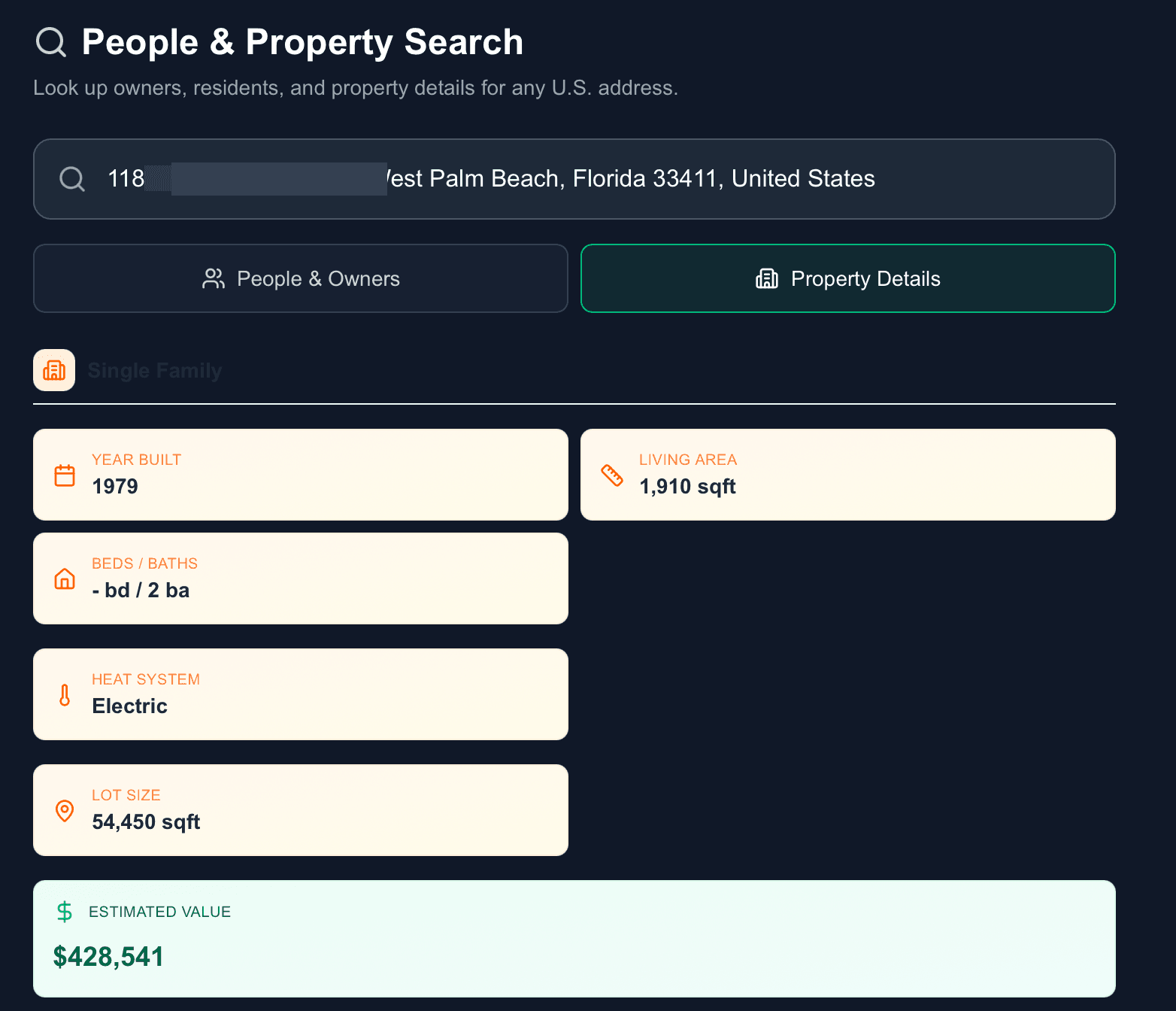
Property Details: the full title-report picture
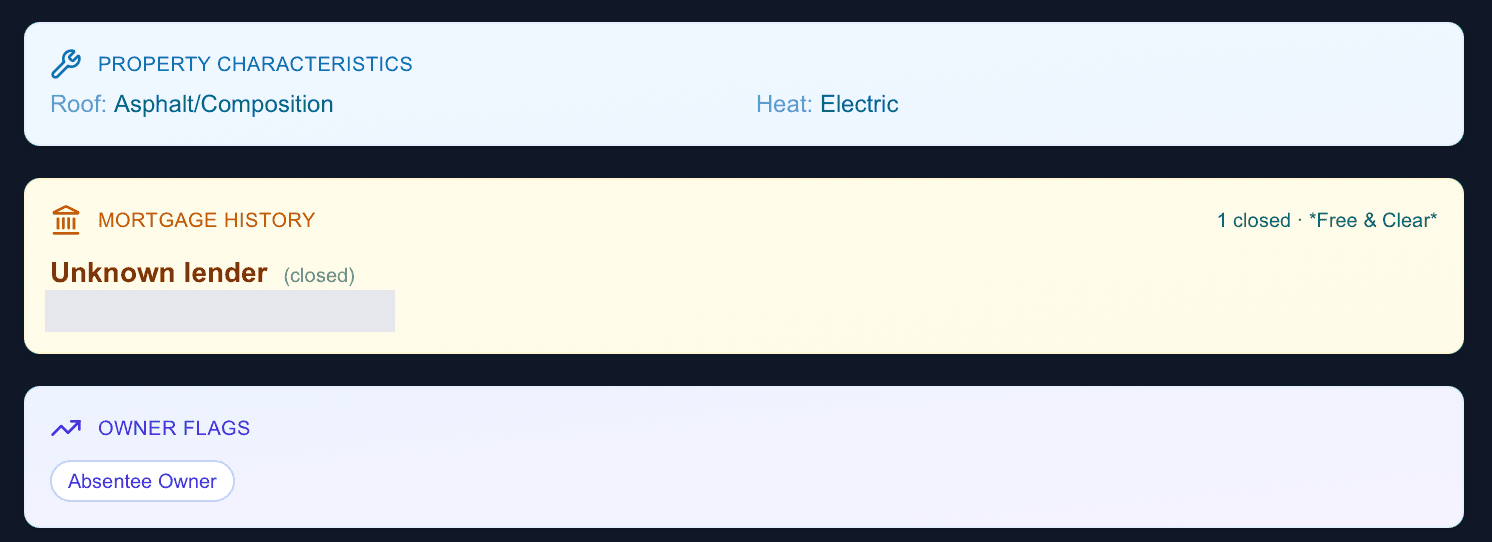
Property type, year built, living area, beds/baths, heat system, lot size, and estimated value, then the details that normally take real digging: roof and structural characteristics, every mortgage on record with active/closed status, and permit history (or a clear "No Permit History" notice).
Read the owner flags
Badges like Absentee Owner, Free & Clear, and High Equity tell you at a glance what kind of owner you are dealing with, and how to pitch.
Be first on scene. Every time.
Book a demo of FirstLeads and get real-time fire and water damage incident alerts for your territory. No contract, no setup fees.
Frequently Asked Questions
Keep exploring
See everything the platform does on the FirstLeads features page.